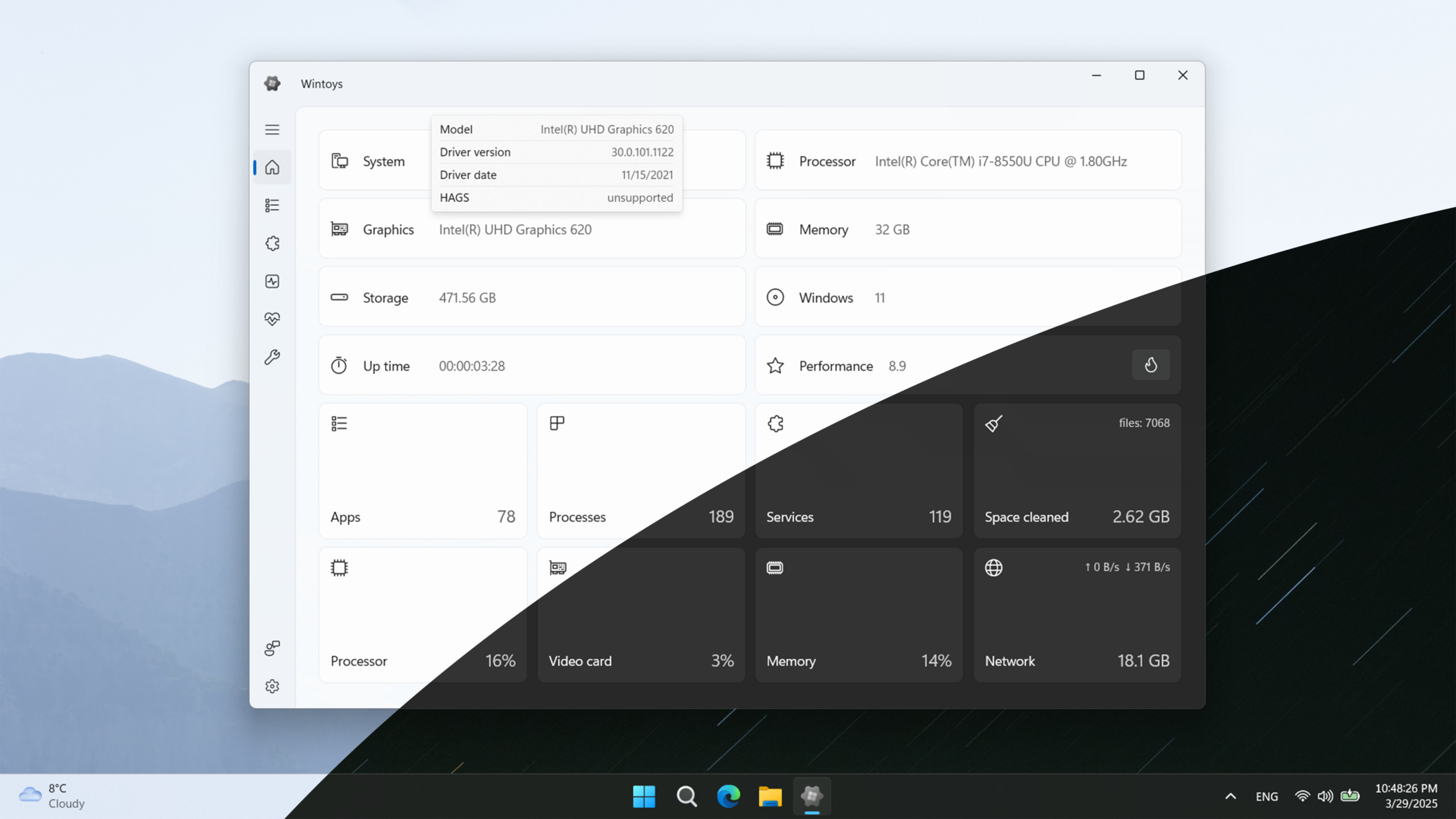
While Windows 11 continuously accumulates native settings, third-party utilities strive to consolidate system management into a singular, unified interface. A recent update has achieved precisely this, as the powerful Windows 11 app Wintoys just got significantly better. Specifically, this latest release drastically reduces memory consumption across the application’s most critical pages.
For those unfamiliar, Wintoys is a third-party utility designed for fine-tuning Windows. The software seamlessly integrates the management of system parameters, background services, startup applications, installed programs, and temporary data cleanup within one intuitive dashboard.
Rewriting Core Components for Maximum Efficiency
The developer systematically rewrote substantial portions of the program’s architecture. Consequently, the services page now consumes approximately 30% less RAM. Furthermore, the applications list utilizes 20% less memory, and the startup section achieved a 10% reduction. The interface now reacts instantaneously to user inputs, and any modifications to system services register almost immediately on-screen.
Wintoys has also officially transitioned to .NET 10 and the Windows App SDK 2.3.1. These modern frameworks significantly accelerate individual operations, alleviate CPU load, and enhance overall interface fluidity. Concurrently, the developer is preparing the application for Ahead-of-Time (AOT) compilation into native machine code. This upcoming enhancement will further expedite launch times and slash memory consumption.
Expanded Windows 11 Customization Options
This update substantially expands user control over Windows 11. Users can now completely obliterate the “Recommended” section within the Start menu while retaining their recent file history. Another discrete setting prevents the automatic installation of bloatware associated with connected peripheral devices. Additionally, when clearing the Microsoft Store cache, the application proactively warns users if the operation will impact existing software installation records.
The developer also overhauled service management workflows. Wintoys now visualizes the addition and removal of services in real-time. It simplifies the selection of startup types and astutely renames the “Useless” filter to “Optional.” This subtle nomenclature shift deters users from accidentally disabling crucial system components. Furthermore, within the startup section, the application now correctly delineates multiple modules originating from a single suite, such as isolating Calendar, Files, and People within Microsoft 365.
Critical Bug Fixes and Enhanced Diagnostics
The update rectifies persistent network statistics loading failures on systems utilizing virtual machines and VPNs. It also resolves operational conflicts with BitLocker-encrypted drives and ensures system utilities launch correctly even when the environment PATH variable is corrupted. Additionally, several pesky uninstallation errors have been squashed.
Wintoys now generates highly intelligible diagnostic warnings. It alerts users clearly when they experience depleted memory, exhausted disk space, corrupted Windows event logs, or aggressive antivirus registry blocks. Users can easily acquire Wintoys via the Microsoft Store. Alternatively, the developer provides a standalone installation script for systems operating without access to the Microsoft storefront.
Support Our Threat Intelligence
If you find our technology report and cybersecurity news helpful, consider supporting our work.
 Buy Me a Coffee
PayPal
Buy Me a Coffee
PayPal