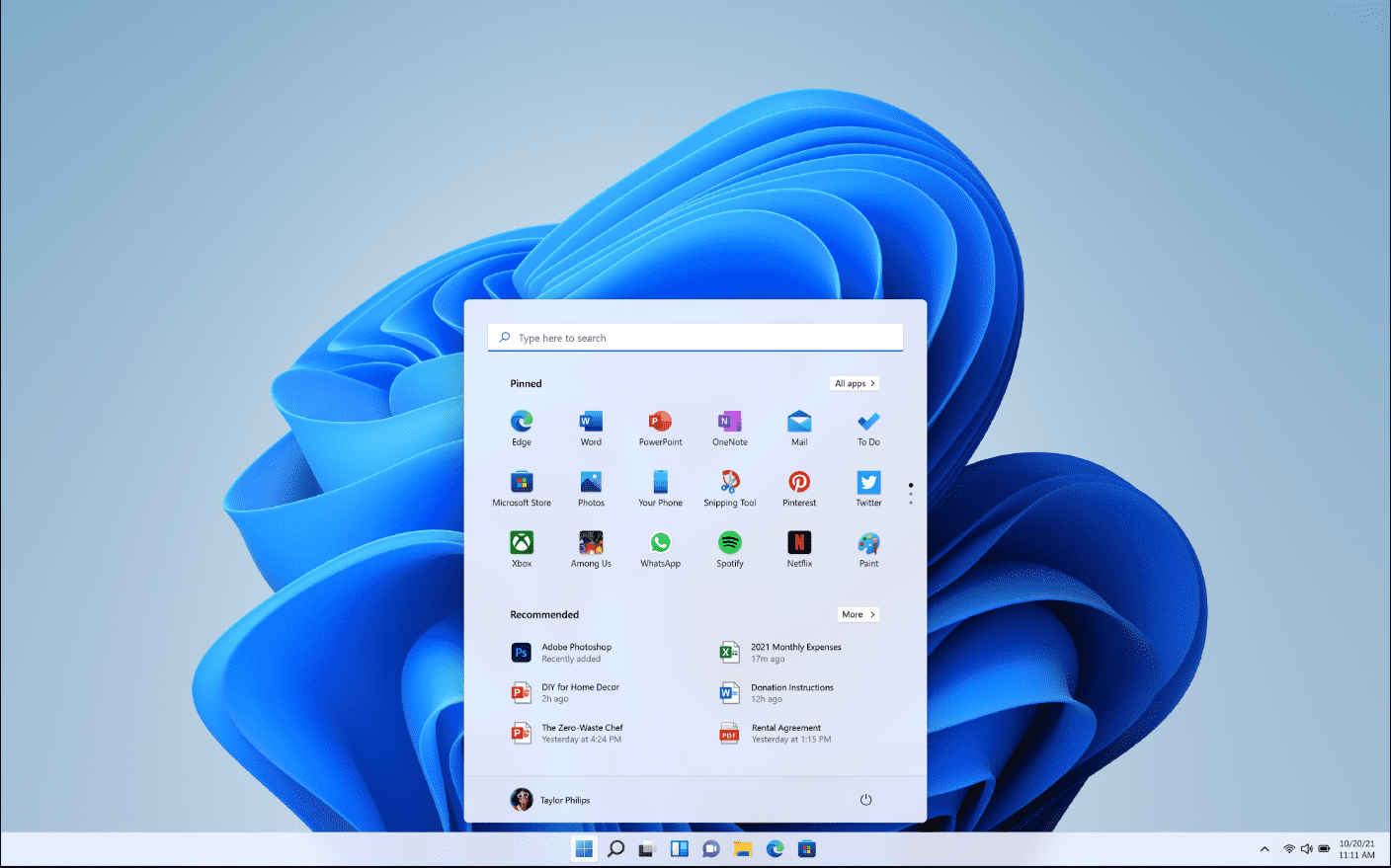
Windows 11 26H2 fundamentally transforms the traditional paradigm of enterprise backup operations. Eligible workstations now autonomously archive system configurations without requiring explicit activation from the IT department. Microsoft has verified that this novel protocol took effect following the rollout of version 26H2, which achieved general availability on September 29.
This profound modification impacts devices joined to Microsoft Entra ID or operating within a hybrid Entra environment. Windows automatically initializes this backup protocol exclusively on machines where the “Enable Windows Backup” policy previously lingered in a “Not Configured” state. Should an administrator have explicitly authorized or prohibited the feature, the system rigorously honors that pre-existing mandate.
Understanding the Organizational Backup Scope
The service, formerly designated as Windows Backup for Organizations, meticulously preserves supported Windows configurations, idiosyncratic user preferences, and the catalog of applications installed via the Microsoft Store. Upon activation, the scheduler generates a fresh archival copy every eight days. However, this mechanism emphatically does not capture comprehensive disk images, standard user files, or traditional Win32 applications.
Microsoft initially heralded this transition toward an opt-out model back in July. At that juncture, automated backups represented a forthcoming enhancement to Windows 11 26H2; presently, this regulation has taken full effect alongside the system’s public release. For enterprise infrastructures, this distinction is paramount: the absence of a configured policy now translates to active, automated archiving, entirely superseding the former default state.
Administrative Control and Restoration Nuances
Crucially, only the creation of these archives triggers automatically. Microsoft prudently retains the restoration process under strict administrative jurisdiction. Therefore, to seamlessly migrate an environment to a pristine or recently reset workstation, the IT department must explicitly authorize the restore policy. Administrators can orchestrate these configurations through Microsoft Intune, Group Policies, or compatible Mobile Device Management (MDM) frameworks.
This novel regime, however, is not universally applicable. Microsoft has deliberately excluded countries and territories subject to the European Union Digital Markets Act, alongside sovereign and highly restricted cloud environments. Furthermore, the functionality remains completely inaccessible within China. Consequently, identically updated corporate workstations may exhibit disparate behaviors contingent upon their geographical region and specific cloud infrastructure topology.
A New Baseline for System Resilience
This automated backup protocol elegantly complements alternative Windows 11 recovery mechanisms. For instance, the experimental Cloud Rebuild utility already empowers organizations to reinstall the operating system directly from the cloud and seamlessly reconnect a corporate PC to administrative governance. Together, these sophisticated features drastically diminish the burden of manual configuration following a device reset, replacement, or reassignment, although they do not serve as a substitute for a comprehensive, enterprise-grade data backup system.
Support Our Threat Intelligence
If you find our technology report and cybersecurity news helpful, consider supporting our work.
 Buy Me a Coffee
PayPal
Buy Me a Coffee
PayPal