Inconveniences of Traditional Linux Setup
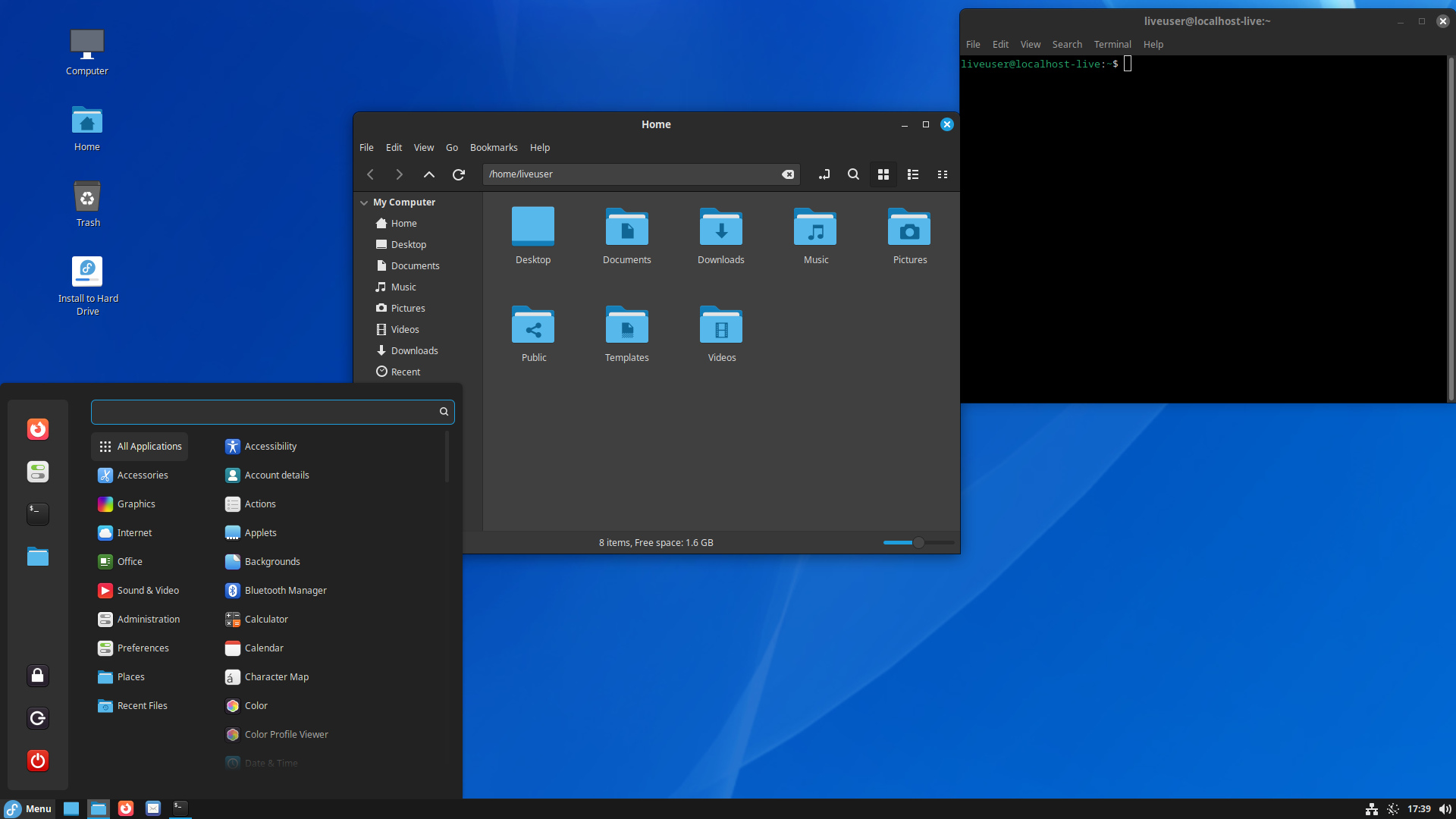
For users who frequently deploy Linux operating systems, connecting a display to perform manual setup operations remains distinctly inconvenient. Consequently, many experienced administrators configure unattended answer files to achieve automated deployments. Currently, the Fedora Linux team is preparing to offer an innovative installation paradigm. Specifically, users can access the installation process through a web browser on secondary devices, enabling a graphical setup experience remotely.
Exclusive to Fedora Atomic Desktop Variant Images
Graphical remote installation via a web browser will remain strictly exclusive to Fedora Atomic Desktop variant images. Rather than a conventional server distribution, this variant represents an image-based, immutable desktop operating system. The core design objective focuses on delivering exceptional stability and reliability, catering particularly to developers and container-centric workflows.
While the daily user experience of Fedora Atomic Desktop closely mirrors standard workstation editions, the underlying architecture differs fundamentally. Furthermore, this browser-based remote installation feature will strictly serve Atomic Desktop variants; standard editions and other Fedora Linux spins will not offer support. You can review the official proposal detailing Web-Based Remote Installation Support for Atomic Desktops for deeper insights.
Scheduled for Release in Fedora Linux 45
This architectural change proposal has been formally submitted and awaits approval from the Fedora Engineering and Steering Committee. Under the current roadmap, if approved, the development team will begin implementation in Fedora Linux 45. This new feature relies primarily on Anaconda WebUI, which has undergone extensive development and is now ready as an installation option for Fedora Atomic Desktop users.
Following its official deployment, administrators can initiate setup by booting the system with the inst.webui.remote kernel parameter. Subsequently, users can navigate the installation process on other devices, such as smartphones, through a browser. To ensure robust security, Anaconda WebUI supports PIN-based authentication, preventing unauthorized network devices from accessing the installation interface.
Support Our Threat Intelligence
If you find our technology report and cybersecurity news helpful, consider supporting our work.
 Buy Me a Coffee
PayPal
Buy Me a Coffee
PayPal