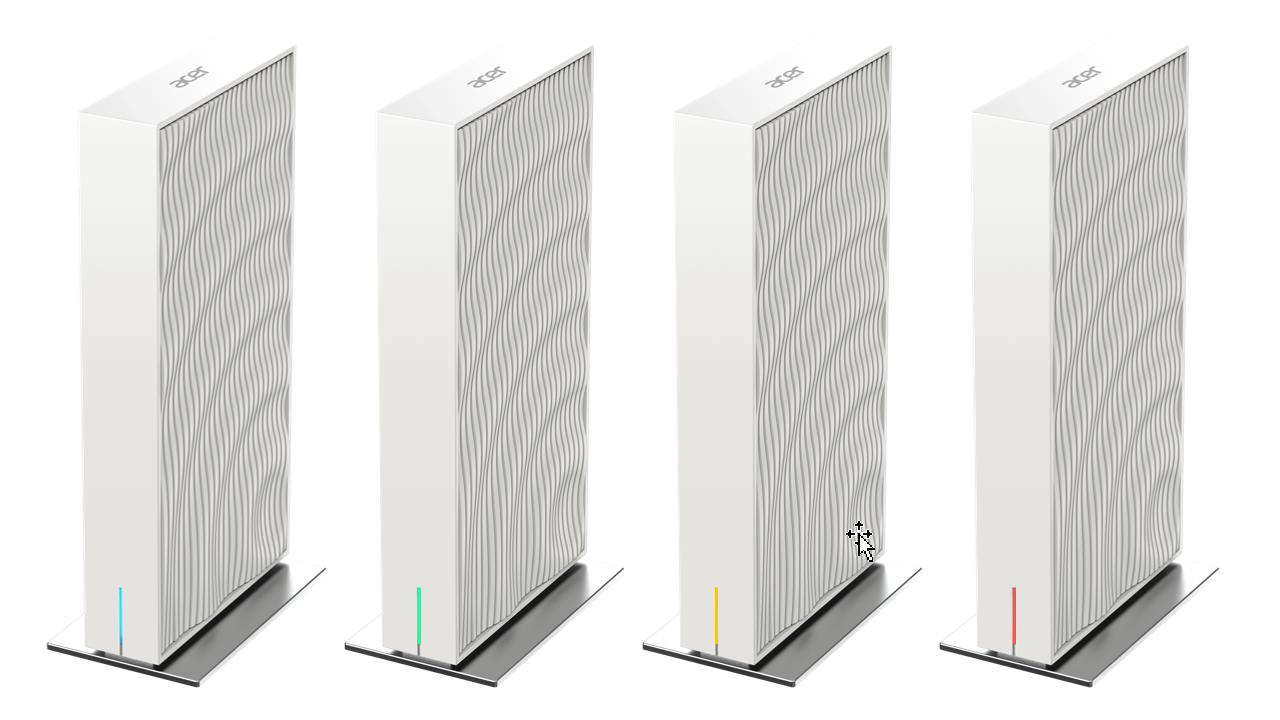
Proprietors of Acer Wave 7 routing hardware must diligently monitor forthcoming system updates. Recently, security researchers identified two critical vulnerabilities within these devices. Each individual security flaw received a maximum severity rating of 10 out of 10.
Consequently, Acer is formulating a remedial firmware patch. The enterprise intends to distribute this solution before the conclusion of June 2026. These severe vulnerabilities affect Acer Wave 7 systems running firmware version T7c_GBL_1.01.000055 or earlier architectures. Crucially, an independent security audit exposed the flaws and promptly reported them to Acer.
Deconstructing the Plaintext Log Exposure
The Authentication Bypass Vector
The initial vulnerability, designated as CWE-532, stems from an improper access control configuration. Therefore, remote actors can view the acer_cgi.log file via the web management interface without authentication.
Seizing Absolute Control
Furthermore, this specific log stores administrative usernames and passwords in unencrypted plaintext. The compromised data includes access keys for both the web portal and Telnet services. Consequently, if an adversary intercepts this file, they can seize absolute sovereignty over the network appliance.
Neutralizing the Hardcoded Cryptographic Key
The Backup Encryption Defect
Meanwhile, the secondary flaw, cataloged as CWE-798, compromises the integrity of device configuration backups. Analysts discovered a hardcoded AES cryptographic key within the native upload.cgi utility.
Persistent System Infiltration
As a result, an attacker can decrypt the backup archive effortlessly. Then, the perpetrator can inject malicious parameters, re-encrypt the file, and upload it back to the device. Ultimately, this insidious methodology allows actors to establish persistent backdoor access inside the local system.
Mitigation Strategies and Deployment Protocols
Pre-Emptive Safety Recommendations
Fortunately, Acer is developing a firmware update to neutralize both critical vulnerabilities simultaneously. The enterprise strongly advises consumers to deploy the hotfix immediately upon release. This proactive step ensures optimal perimeter defense and preserves normal hardware operations.
Executing the Update Sequence
To verify update availability, users must access the central routing dashboard. First, establish a local connection via Ethernet or Wi-Fi. Next, navigate to http://192.168.76.1 or http://acerconnect.com within a web browser. Then, authenticate using administrative credentials. Finally, traverse to the system administration panel to select the firmware upgrade option.
During this installation phase, Acer explicitly requests that users refrain from rebooting the hardware. Additionally, do not disconnect the power source. Disrupting the execution cycle can cause catastrophic firmware corruption.
Support Our Threat Intelligence
If you find our technology report and cybersecurity news helpful, consider supporting our work.
 Buy Me a Coffee
PayPal
Buy Me a Coffee
PayPal