Historical Context of Address Restrictions
In December 2015, Google announced a major rule change. Users could finally modify their Gmail address prefixes. Historically, the company blocked these exact changes. They used these addresses for firm ID checks across their network. Consequently, unplanned tweaks risked big account bugs. This was very true for user data safety. Therefore, Google delayed this feature until they made sure the system was safe.
Current Availability and Prefix Options
Now, most users can freely change their prefixes. After many test phases, Google launched this tool for everyone. You can easily start the steps to modify your Gmail prefix whenever you feel ready. Consequently, you can use this fresh address to log into your account. Furthermore, the system will not quickly drop your old prefix. Instead, you can keep it as a trusted backup address. All new mail will flow right into your first inbox.
Account Impact and Strict Regulations
Crucially, this change leaves your main Google account fully safe. All your saved data stays very safe. Under current rules, people can alter their address a maximum of three times. Therefore, counting the first one, each account can hold up to four unique addresses. At the same time, the firm applies a strict rule. If you return to your old address within twelve months, you cannot pick a new prefix during that time.
Single Sign-On Risks and Complications
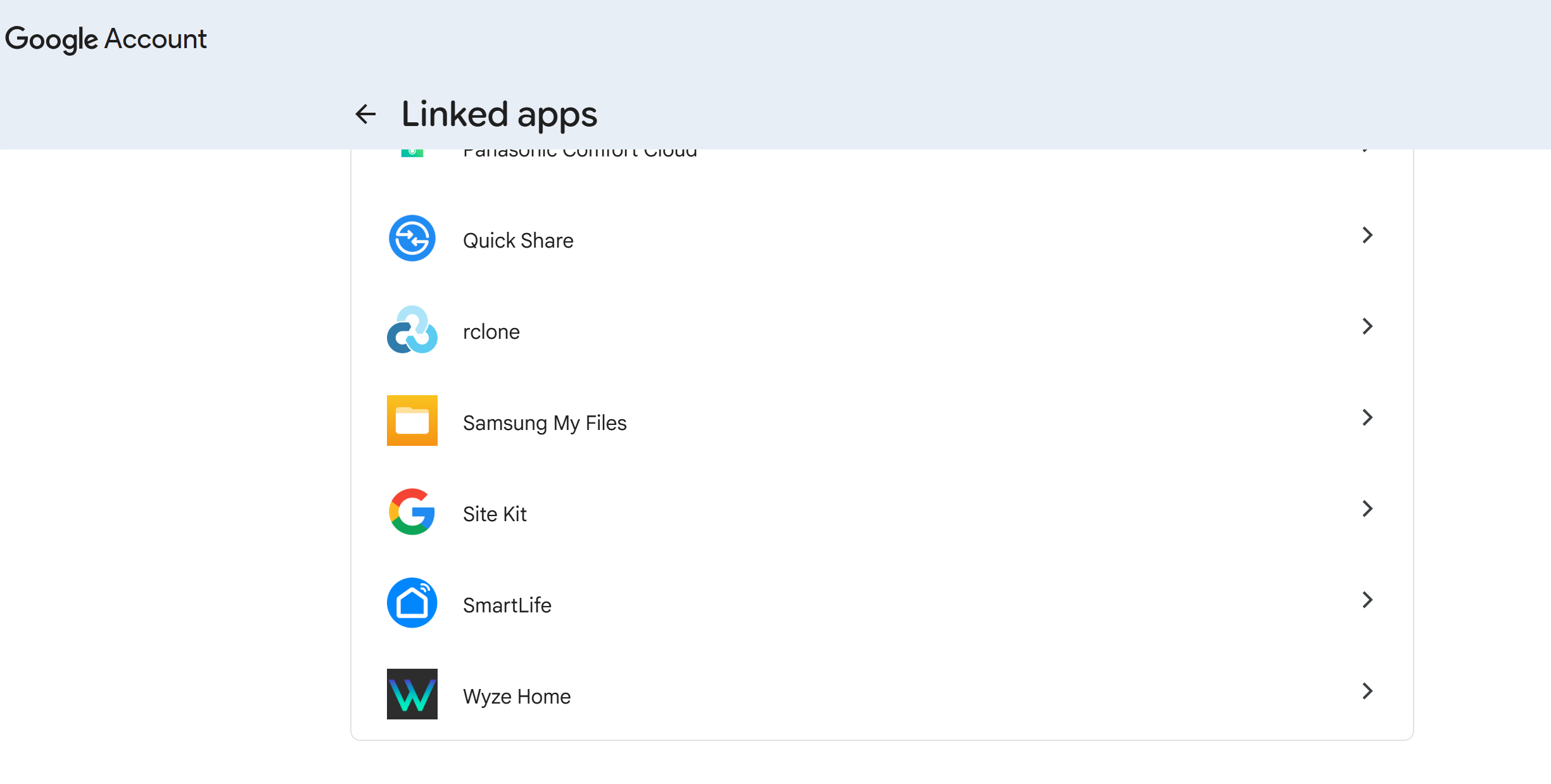
People using Google’s fast login tools must take care. Many outside sites use this quick sign-in method. Before moving ahead, you must check your linked fast login apps to ensure a smooth swap. This tool fully allows sites to view your account name and Gmail address. Consequently, these sites view your old email as your main user ID. Therefore, changing your address might cause real issues. Upon your next visit, the site might auto-save your new email. As a result, the platform treats you as a brand new user. Sadly, this cuts your link to older saved data.
Best Practices for Seamless Authentication
Google notes that while some sites easily spot current users, others fail. To stop data loss, we highly suggest acting first. First, go to your outside accounts and build a strict password. This lets you skip the fast login wholly. You can then log in using your standard passwords. Next, safely cut the fast login link. Finally, re-link the service using your freshly changed Google account.
Managing Reversions and Duplicate Accounts
Understandably, managing many signed-in sites feels very slow. Users must check their linked apps by hand before changing their details. Luckily, Google allows smooth shifts between your new and old prefixes. If you meet login roadblocks, simply revert to your old prefix for a bit. Then, you can set standard passwords and safely unbind the broken login tool. Remember, you must forever delete any mistakenly created duplicate accounts.
Support Our Threat Intelligence
If you find our technology report and cybersecurity news helpful, consider supporting our work.
 Buy Me a Coffee
PayPal
Buy Me a Coffee
PayPal